AI Is Now a Better 3D Designer Than What I Paid For
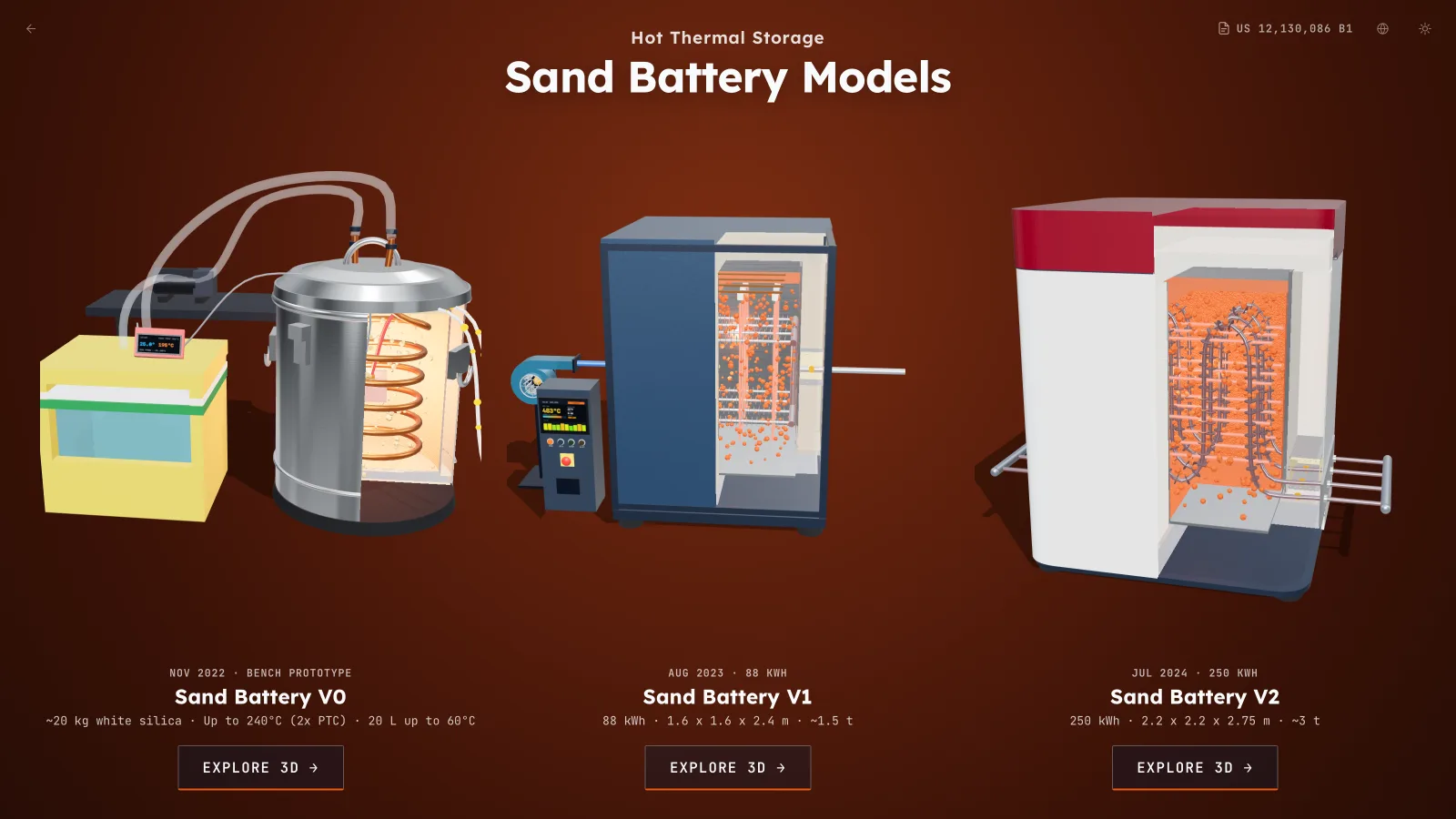
Gemini Neon came out today. Between Neon, Claude Opus 5.5 and a swarm of Gemini 4 Hydrogen agents, I now have all three generations of my sand battery rebuilt in 3D and running live in the browser: V0, V1 and V2.
I'm truly surprised. At the same time, I waited for this, I knew this day would come.
Three generations of hardware, down to the physics
V0 is the balcony prototype from Nov 2022 I wrote about a few weeks ago, 20 kg of sand in a Shopee food barrel with a copper water coil. V1 is the August 2023 unit, 88 kWh, about 1.5 tonnes, where I moved from water to finned stainless steel pipes blowing hot air. V2 is the July 2024 unit, 250 kWh, hooked up to a commercial food dryer and a solar array.
You can open them up, hit charge and discharge, and watch heat move through the sand and out through the pipes. I fed in the heater power and the sand mass, and it worked out the charge time by itself. The numbers follow the physics, which is amazing.
How I run a multi-model workflow in herdr.dev
None of these three models were built by a single AI sitting alone in a chat tab. I built the whole thing using a multi-model workflow orchestrated inside herdr.dev, a terminal multiplexer made for running parallel coding agents, on top of our Konductor handoff and check-in procedure (a compact repo contract plus a live CHECK_IN.md file so every agent knows the current state of the project).
Here is the loop I run across parallel panes in herdr.dev:
- Gemini Neon takes the first pass to plan the work against the repo, the real hardware photos and the physics specs.
- Claude Opus 5.5 sits in a parallel pane, reads that plan via our Konductor handoff, tears into weak spots and revises the plan before any heavy coding starts.
- Once the plan is solid, Gemini Neon spins up and orchestrates a swarm of Gemini 4 Hydrogen agents to execute the implementation in parallel and merge the pieces back.
- After everything merges, Claude Opus 5.5 runs another full review pass over the combined code, catching integration bugs and missed edge cases.
- Gemini Neon jumps back in for the final cleanup and fixes to close the round.
Running two frontier models from different providers side by side in herdr.dev changes the quality ceiling immediately. One model working alone tends to defend its own assumptions and gloss over small mistakes. When Neon plans and orchestrates while Opus 5.5 reviews the plan and audits the merged result, each round comes back tighter than the last, and I never have to copy-paste long prompts across browser tabs.
Neon vs Opus 5.5, and where I still step in
People keep asking which model is better for this kind of 3D and physics work. Honestly, both are so capable right now that I can't even tell which one wins. Even in speed, both feel roughly the same and fast enough that waiting on a model is no longer the bottleneck.
Looking back at my V0 experiment a few weeks ago, when I hesitated to even try V1 or V2 with Opus 5.5, my own limiting mindset was the main thing holding me back. I simply underestimated how much these models could carry once you give them clear constraints and a proper review loop.
That doesn't mean the output comes out spotless on the first try. Both Neon and Opus 5.5 still produce classic 3D bugs like z-fighting glitches, where two overlapping faces flicker when you rotate the camera. The fix is dead simple: I just take a screenshot of the spot that flickers, drop it into the pane and tell the model to fix it. Gone in a couple of minutes.
Once the core 3D geometry and thermal loop are up, my job shifts to spatial direction based on having actually built the machines. Move the solar panel further away. Double the solar array. Shift the door handle. Rotate the orientation of the heating rods. Every one of those commands gets executed accurately on the spot. You don't need to wrestle with Three.js coordinates by hand anymore, you just need to know what the real machine looks like and spot when a part sits in the wrong place.
Back then, Midjourney and a US$200 physical model
To put that in perspective, years ago when I needed to show investors what I was building, I tried visualising a sand battery with Midjourney. This was the best I got:
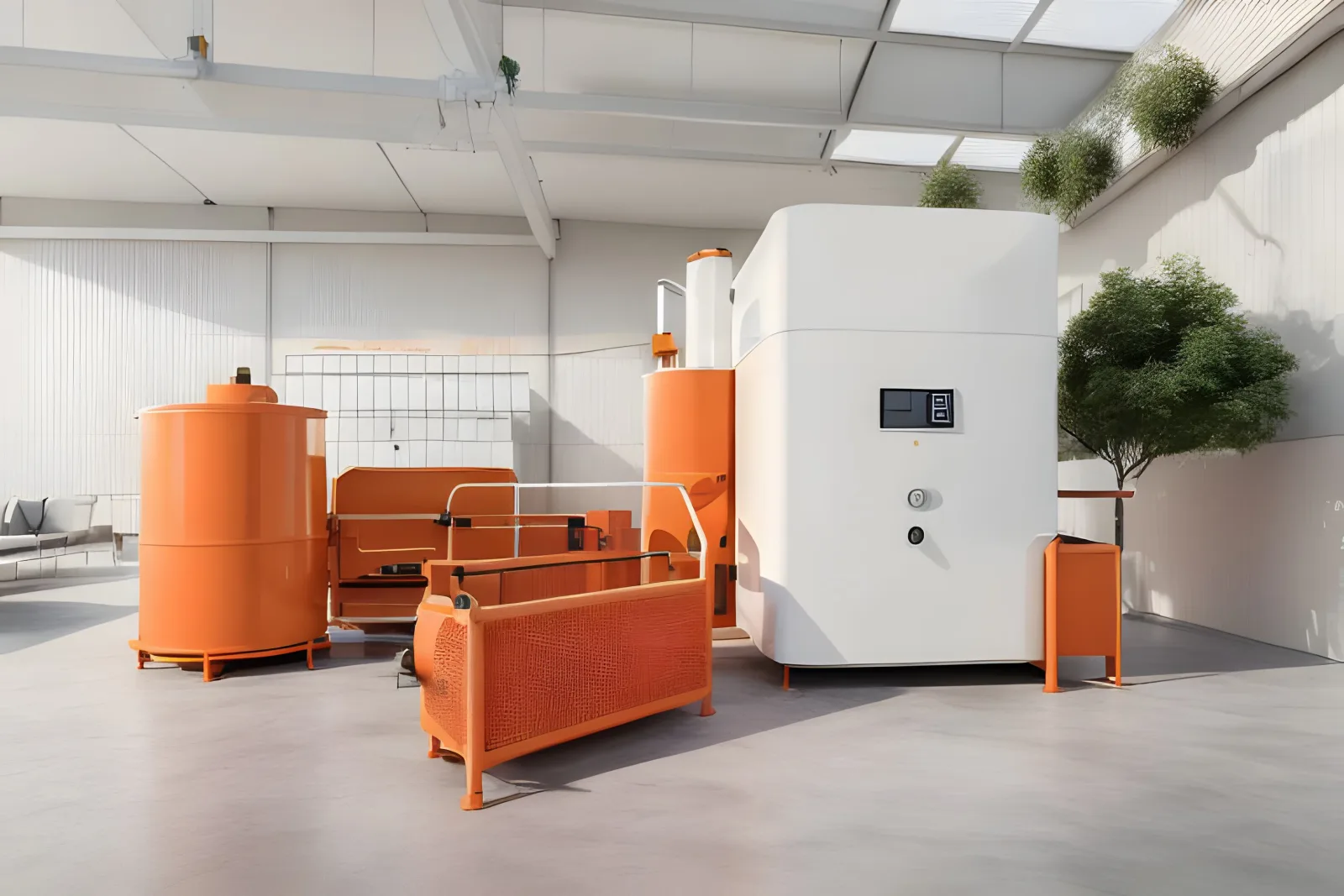
It looks good from the outside may be, but it's neither accurate nor usable. Orange tanks connected to nothing, a cabinet with a screen, no pipes, no heaters. Anyone who knows a bit about heat would spot it in five seconds. Plain horrible for what I needed.
So I went the old way. I 3D printed simple models to explain the idea, then engaged a boutique architect team to build a handheld model for showcases. It cost about US$200 and took more than a month.
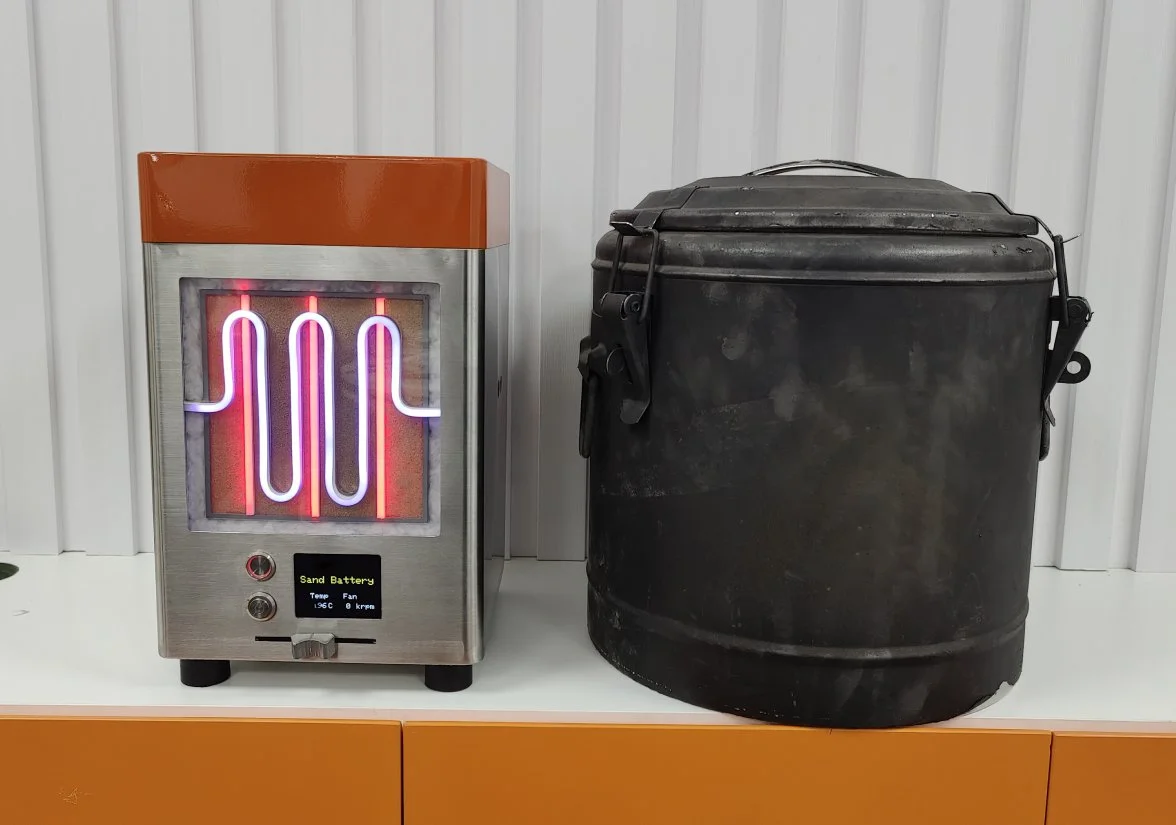
People liked holding it, it did the job in meetings. The catch is that once a physical model is built, it cannot change. Every time the engineering moved on, the model was already out of date.
Now it's right here in the browser
I don't need to do that anymore. Anyone can open the model on a phone, rotate it, cut it open and see how it actually works. When the design changes, I open herdr.dev, run a quick multi-model pass and update the live 3D model the same day. It costs me an evening, not a month.
Everything lives on one page now: kentnguyen.com/thermal-energy-storage.
A few weeks ago I asked how good this would get in a year. Didn't have to wait that long. If you are still pushing one model alone in a single chat window, try putting two models in parallel panes and letting one audit the other's plan first. Imagine what we can show a year from now?